
⚡ Instant Delivery via Email 💰 10% Discount on Every Purchase 🛡️Genuine Licenses

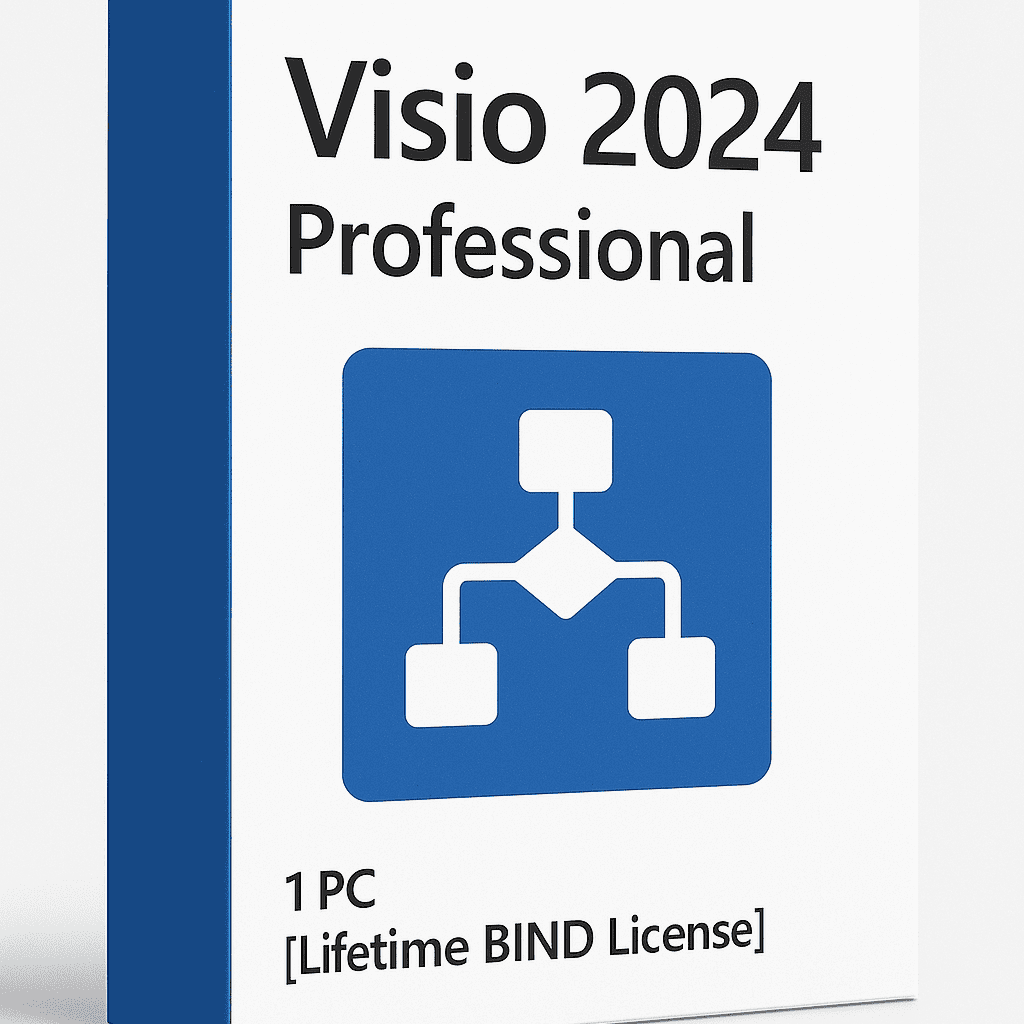







Visio 2024 Professional – Lifetime BIND Activation License Key for 1 PC
US$519.50
✅In Stock
What You Get
Official Visio 2024 Professional License Key (BIND) – Permanently tied to one PC for lifetime use.
Lifetime Activation for 1 PC – Non-transferable but valid forever once activated.
Downloadable Installer (Setup File) – Direct, secure link for quick installation.
Access to Official User Manuals & Support Links – Step-by-step guides and technical resources for smooth setup and usage.
Buy with confidence
- Secure Payments - Card / UPI / Wallets
- Genuine License - Instant Email Delivery
- Order Tracking & Customer Dashboard
- No physical CD/DVD or box will be shipped.
- 14 Days Easy Returnable
- 24/7 Customer Support
Visio 2024 Professional – Lifetime BIND License
Visualize • Design • Simplify
Visio 2024 Professional is the next-generation diagramming and visualization platform for professionals who demand precision, clarity, and speed. From business process mapping to network design and engineering schematics, it enables you to transform complex data into actionable visuals with ease. Built for the modern workplace, this version combines smarter tools, enhanced performance, and lifetime ownership — giving you total control without recurring costs.
Product Overview
| Parameter | Details |
| Edition | Microsoft Visio 2024 Professional |
| License Type | Lifetime Digital License (BIND to 1 PC) |
| Activation Type | BIND Activation – Permanent, Non-Transferable |
| Devices Supported | 1 PC |
| Architecture | 32-bit & 64-bit |
| Delivery Method | Instant Digital Delivery (within minutes) |
| Compatibility | Windows 10 & Windows 11 (Recommended) |
| Format | Online Activation + Digital Installer |
Why Choose Visio 2024 Professional
Professional-Grade Tools: Create everything from basic flowcharts to advanced engineering and IT diagrams with modern templates and stencils.
Lifetime Ownership: One-time activation permanently binds to your device — no renewals or hidden costs.
Modern Interface: Faster, smoother, and visually cleaner for an efficient workflow.
Smart Diagram Automation: Auto-align, snap-to-grid, and smart connectors reduce manual effort.
Dynamic Data Linking: Connect visuals to Excel, SQL, or live data sources for real-time insights.
Cloud + Offline Flexibility: Work offline after activation or collaborate via OneDrive/SharePoint anytime.
Ideal For
- Enterprises & Project Managers – Model business operations, project plans, and decision workflows.
- Engineers & Architects – Create detailed floor plans, electrical layouts, and mechanical diagrams.
- IT & Network Professionals – Design logical and physical network structures.
- Consultants & Freelancers – Build polished client deliverables with clarity and precision.
- Educators & Students – Develop concept maps, research visuals, and academic presentations.
Core Features
- Flowcharts & Process Maps: Build logical workflows using drag-and-drop templates.
- Organizational Charts: Display team hierarchies and reporting structures.
- Network Diagrams: Visualize system topologies and cloud infrastructures.
- Engineering & Floor Plans: Create detailed physical layouts with measurement precision.
- Wireframes & UX Prototypes: Design intuitive app or website blueprints.
- Data-Driven Diagrams: Automatically update visuals from linked spreadsheets or databases.
- Cloud Collaboration: Share diagrams and co-author projects in real time.
What’s New in 2024
- Expanded template and shape library covering more industries.
- Faster rendering engine and reduced load times.
- Auto-layout enhancements for cleaner diagrams.
- Updated wireframe templates for web and mobile UI/UX design.
- Refreshed icons, color themes, and accessibility modes.
- Improved AutoCAD DWG support for architects and engineers.
- Inclusive accessibility updates – better keyboard shortcuts and screen-reader support.
System Requirements
| Component | Requirement |
| OS | Windows 10 / Windows 11 |
| Processor | 1.6 GHz or faster, dual-core |
| RAM | 4 GB (64-bit) / 2 GB (32-bit) |
| Storage | 4 GB free space |
| Display | 1280 × 768 resolution or higher |
| Internet | Required once for activation |
| Graphics | DirectX 10 compatible GPU recommended |
What You’ll Receive
- Genuine Visio 2024 Professional License Key (Lifetime BIND Activation)
- Official download link for installation
- Step-by-step activation guide (PDF)
- Free installation and troubleshooting support
Security & Reliability
- Optimized for Windows 10 & 11: Stable, high-performance operation.
- Secure Activation: Verified through Microsoft’s servers.
- Local Data Control: Work fully offline after activation for maximum privacy.
- Backward Compatibility: Open and edit files from earlier Visio versions.
- Regular Stability Patches: Maintain long-term reliability and protection.
Lifetime License Advantages
- One-time payment – no renewals ever.
- Full access to all features and templates.
- Future-proof investment for multi-year projects.
- Perfect for professionals seeking long-term ownership and consistency.
9 reviews for Visio 2024 Professional – Lifetime BIND Activation License Key for 1 PC
Only logged in customers who have purchased this product may leave a review.

![Visio 2024 Professional – 1PC [Lifetime BIND License]](https://chicnpert.com/wp-content/uploads/2025/07/13-300x249.png "13")

Kiyan Mehta (verified owner) –
Visio 2024 Pro has strong diagramming features. One major benefit is the ability to connect graphics to real-time data. It facilitates straightforward visualization of complicated information. The new search bar speeds up the process of discovering tools. Excellent for engineers and analysts.
Arush Tiwari (verified owner) –
My diagramming chores are now considerably simpler because to Visio 2024 Pro. Technical drawings benefit greatly from the new forms and stencils. Making network diagrams and flowcharts is simple and easy. The program operates quickly and smoothly. Excellent improvement above previous Visio iterations.
Lakshit Bansal (verified owner) –
For business process diagrams, I utilize Visio 2024 Professional. For professional use, the BPMN and UML support is particularly beneficial. My team may immediately remark on schematics thanks to collaboration capabilities. If you have already used Office applications, the UI is simple to understand. Strongly advised for corporate users.
Atharv Mishra (verified owner) –
Despite its strength, Visio 2024 Pro is still user-friendly. For novices, the learning curve is doable. Features for data visualization are particularly beneficial. Excel and other Microsoft products work nicely with it. Excellent for technical and business users alike.
Samar Verma (verified owner) –
Compared to earlier releases, this version feels more polished. The revised design blends very well with other Office 2024 applications. I can start projects faster when I use templates. Support for AutoCAD files is a fantastic feature. All in all, a really dependable and professional equipment.
Reyansh Gupta (verified owner) –
This program is ideal for producing expert diagrams. It is compatible with industry standards such as BPMN and UML. One major benefit is the one-time purchase. For casual users, though, it could seem a little pricey. Nevertheless, it’s among the greatest diagramming tools out there.
Shaurya Singh (verified owner) –
Having used Visio for many years, I think the 2024 version is better. Diagram production is made easier with more shapes and templates. It is easier to use and has a nicer interface. Features that facilitate collaboration are useful while working in groups. Upgrading is definitely worthwhile.
Prithvi Rajput (verified owner) –
Planning and technical diagrams are excellent uses with Visio 2024 Professional. The sophisticated stencils for software and network designs are amazing
I appreciate how simple it is for me to update and modify diagrams. Even with big files, performance remains steady. An excellent option for IT workers.
Arindham Shah (verified owner) –
A great tool for making intricate diagrams is Microsoft Visio 2024 Professional. Work is completed considerably more quickly thanks to the variety of templates and shapes available. The redesigned UI is very appealing to me; it seems sleek and contemporary. Diagrams may be transformed into insightful information with the aid of the data connecting capability. Ideal for experts handling intricate workflows.