
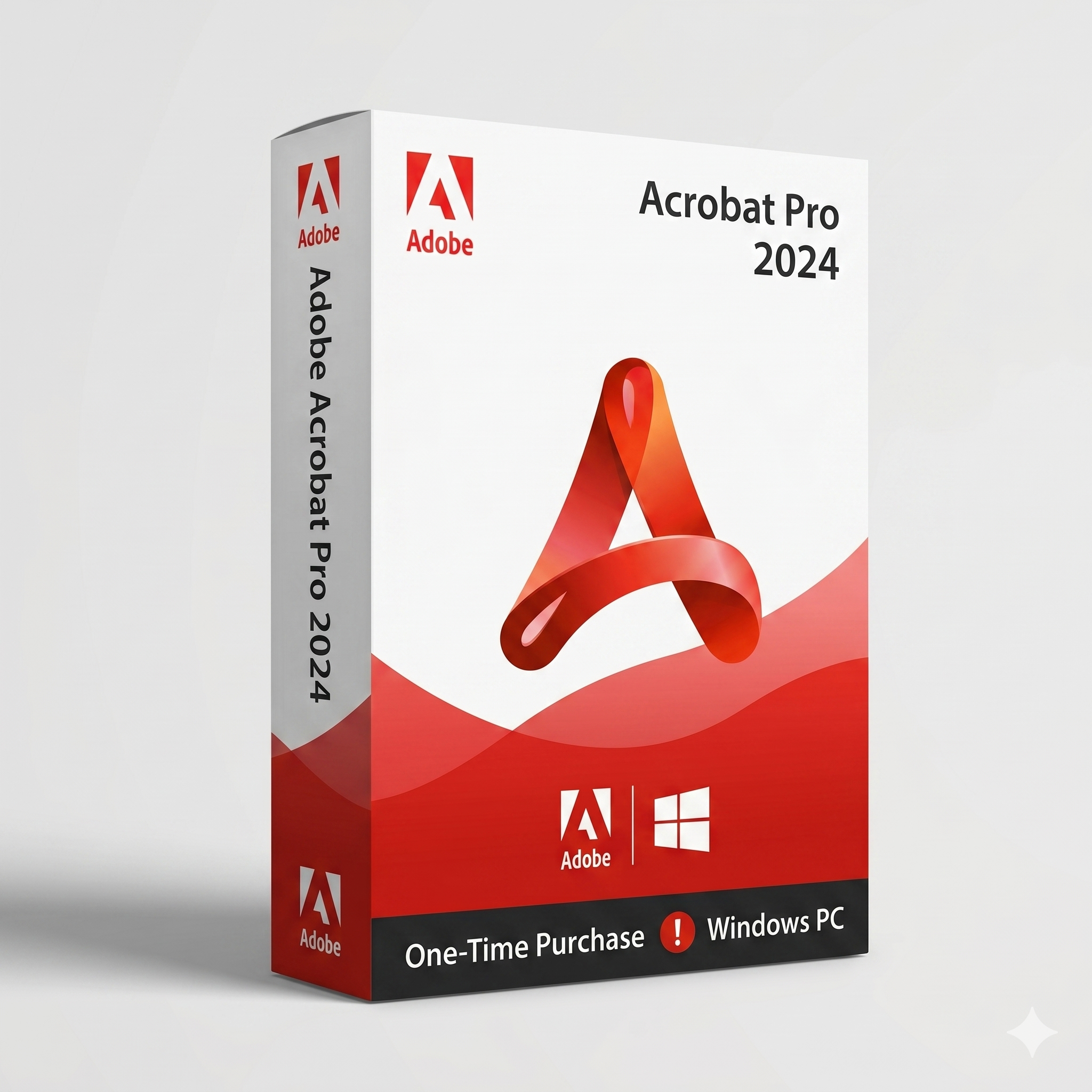
Get 10% OFF + FREE Adobe Acrobat Pro
Purchase any Office Suite today and enjoy
1 – Verify Activation Windows: To verify if your Windows product key is genuine, you can check your activation status in Windows settings or use Command Prompt to view license information. A genuine key will show Windows as “activated” with a digital license, or with a digital license linked to your account,
Use Command Prompt:
slmgr /dli and press Enter. slmgr /dlv for more detailed information. 2 – Verify Activation Office: To verify if your Office product key is genuine, you can check for the key within your account, on the product packaging, or by using the Genuine Software checker tool.
Check via CMD (Command Prompt):
wmic path softwarelicensingservice get OA3xOriginalProductKey and press Enter.3. Check the Current License Status
cscript “C:\Program Files\Microsoft Office\Office16\OSPP.VBS” /dstatus
4. Remove the Product Key (Non Working keys):
<LAST 5 CHARACTERS> with the actual last 5 characters of your product key: /dstatus command again to confirm that the product key is no longer listed.6. OEM Vs Retail License Key: The main difference is transferability and support. An OEM license is cheaper but tied to the first computer it’s installed on, cannot be transferred to new hardware, and is supported by the hardware manufacturer. A retail license is more expensive but can be transferred to a new PC and receives direct support from .
slmgr /dli in the Command Prompt and look for “OEM channel” or “OEM” in the license type. Some retail licenses (like Windows or Office 365) can be linked to your account.
Once bound, you can transfer the license to another PC (if permitted by the license type) or reactivate after hardware changes.
📌 Example: A Windows 10 Home retail license bought online is activated on a laptop and bound to both the laptop’s hardware and the account used during setup.
8- To check the your system configuration on a Windows computer using the Run command :
Open the Run dialog box (Windows key + R). Type msinfo32 and press Enter.
This will open the System Information window, which provides detailed information organized into categories like System Summary,Hardware Resources, Components, and Software Environment.
9- Windows Home to Pro upgrade key: (Only Upgrade)
VD4D4-NDBGX-MTQ2D-G2D9B-F9CKG
VK7JG-NPHTM-C97JM-9MPGT-3V66T
| Feature | Internet Activation | Telephone Activation |
|---|---|---|
| Method | Online via servers | Call and follow prompts |
| Speed | Fast (usually seconds) | Slower (can take several minutes) |
| Internet Required | ✅ Yes | ❌ No |
| Human Involvement | ❌ None (automated) | ☎️ May involve automated system or live agent |
| Use Case | Most common for personal users | Often used when internet is not available or online activation fails |
| Process | System contacts servers to verify the key and activate the product | User gives an Installation ID and receives a Confirmation ID to enter manually |
| Retries Allowed | Limited retries before lockout | Usually more flexible |
| Security Level | Secure (encrypted transmission) | Also secure (verbal/visual confirmation) |
| Supported Versions | All modern products | All, including legacy systems (XP, Office 2010, etc.) |
